

Google review support for local businesses

Make reviews easierfor your customers.

Illustration of a Boktor review draft and the next step to Google. Stars and review are samples.
Illustrative screens and sample review.

Customers scan a QR code and answer a few quick questions. AI helps turn their feedback into a review draft.

Register now

Monthly 1,600 THB / month

One-time setup fee 2,500 THB · paid once

View pricing and terms

SOUND FAMILIAR?

Getting reviewsshouldn't be this hard.

  1. Customers don't knowwhat to write.

    They want to leave a review but don't know where to start.

  2. Staff have to explainit every time.

    Guiding each customer takes time.

  3. Complicated toolsdon't get used.

    Too many steps for a simple task.

A SIMPLE PATH TO A REVIEW

Make it easier to write a review.

From a few answers to a draft your customers can check.

  1. Scan the QR

    Customers open it on their phone. No app needed.

  2. Answer a few quick questions

    Customers choose answers that reflect their visit.

  3. AI helps draft the review

    The draft is based on their answers.

Customers check & edit → Open Google → Post themselves

Boktor does not post reviews to Google automatically.

See how customers use it

THE BOKTOR WAY

Easy to set up. Easy to use.

Simple by design.Only the toolsyou need.

One QR, quick questions, and help drafting reviews. Customers check the draft and post it themselves.

  • One QR code
  • Quick questions
  • AI-assisted drafts
  • A link to Google

Set up your shop. Share your QR.

THE CUSTOMER JOURNEY

From a QR scanto a review draft.

Customers answer on their phone, check the draft, and post it themselves.

SCAN & START

Start withthe QR

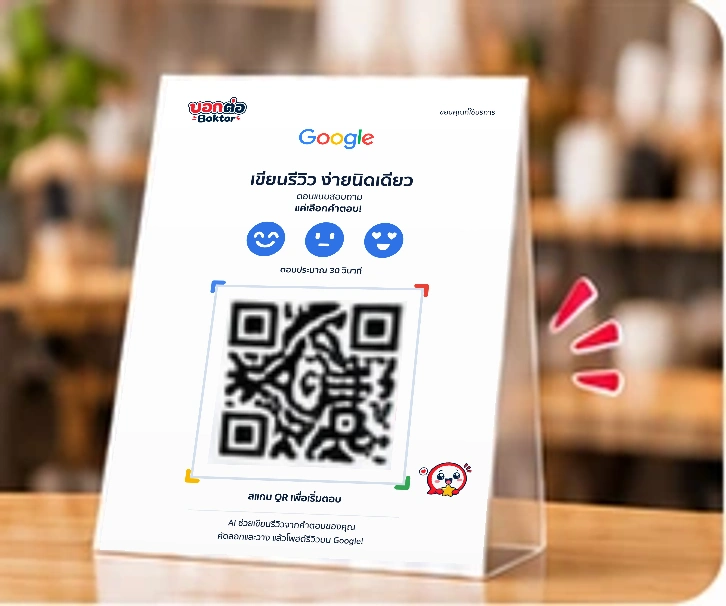
Customers scan to open your shop page on their phone. No app needed.

Place the QR where customers can see it

Illustration of opening the store questionnaire from a QR without installing an app.
Illustrative screens and sample review.

TAP & ANSWER

Answer a fewquick questions

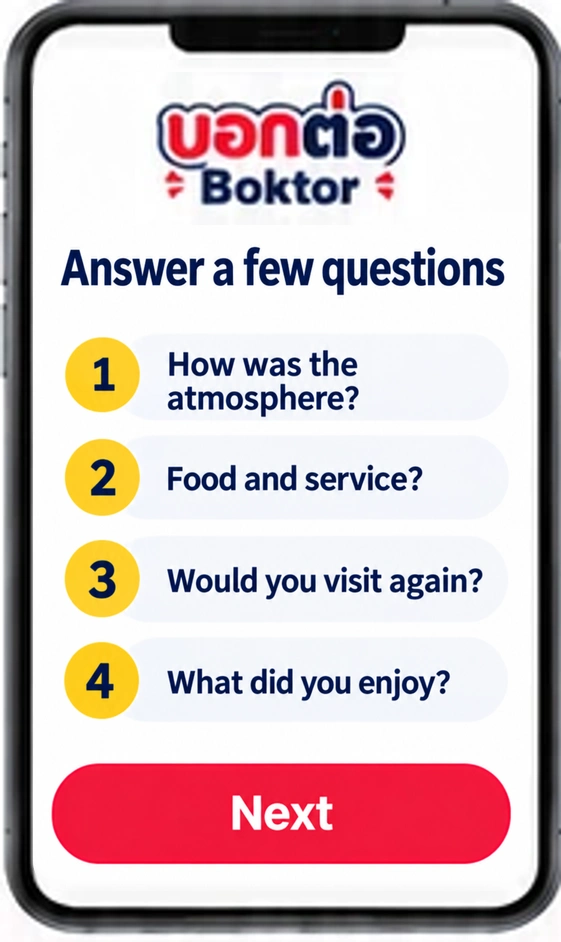
Customers choose answers based on their visit. No need to start with a blank page.

You set the questions and answer choices

Illustration of tapping answers to short questions.
Illustrative screens and sample review.

REVIEW & SHARE

Get a review draftready to check

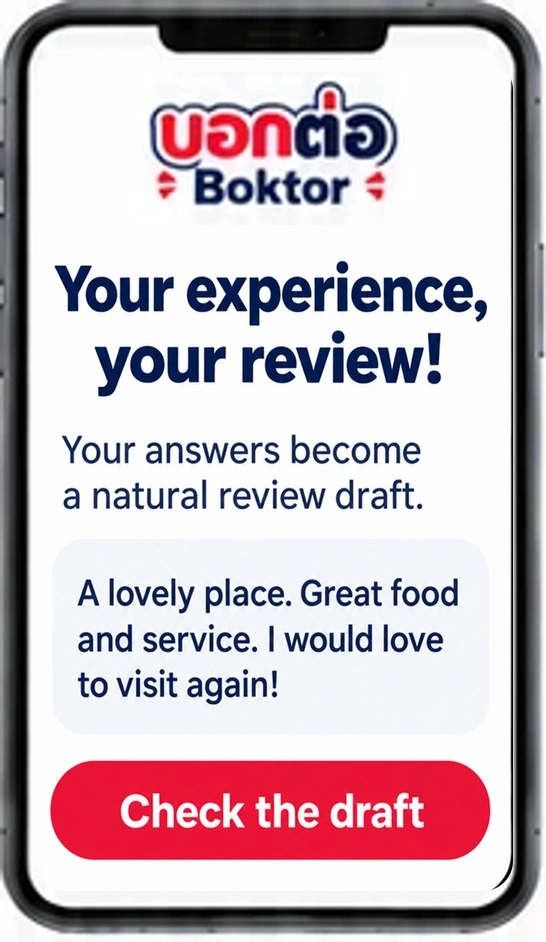
AI helps draft a review from their answers. Customers check, edit and copy it, then open Google.

Customers check and post it themselves

Illustration of reviewing and copying a draft before opening Google. Stars and text are samples.
Illustrative screens and sample review.

Boktor does not post reviews to Google automatically.

MADE FOR YOUR EVERYDAY

Set up your shop.Place your QR.

No complicated daily management.

  1. 01Set up your shop
  2. 02Choose your questions
  3. 03Place the QR

Ready? Let customers scan your QR.

Made for local businesses.

  • Restaurants
  • Cafés
  • Beauty services
  • Salons
  • Massage
  • Hotels
  • Clinics
  • Other local businesses

Examples of business types, not customer endorsements.

SIMPLE PRICING

Clear pricing.Choose your plan.

All plans are billed monthly. Choose how long to commit.

One-time setup feeSame for every plan
2,500THB · paid once

Start month by month.

Monthly

1,600THB / month

1-month minimum term

Register now
Plan and cancellation terms

No early termination settlement.

Commit for 3 months.

3-month plan

1,550THB / month

3-month minimum term

Register now
Plan and cancellation terms

Early termination: 100% of the remaining whole-month contract value.

Commit for 12 months.

1-year plan

1,450THB / month

12-month minimum term

Register now
Plan and cancellation terms

Early termination: 50% of the remaining whole-month contract value.

Get started in four steps.

  1. 01

    Register now

    Create your shop account.

  2. 02

    Set up your shop & questions

    Add what customers will see.

  3. 03

    Choose a plan & pay

    Your shop goes live once payment is confirmed.

  4. 04

    Place your QR code

    Let customers scan to answer.

GOOD TO KNOW

Frequently asked questions

What is Boktor?

Boktor makes it easier for customers to write a review. They scan a QR code and answer a few questions, and AI helps draft a review from their answers. Customers check, edit and post it themselves.

Does Boktor post reviews automatically?

No. Customers check, edit and copy the draft, then open the Google review page and post it themselves.

Do customers need an app?

No. Your QR code opens the questionnaire in their phone’s browser.

Which businesses can use Boktor?

Local businesses with a Google Business Profile and a review link, such as restaurants, cafés, salons and hotels.

Can I set my own questions?

Yes. You can set your questions and answer choices in the questionnaire settings.

Which languages are supported?

Thai, English and Japanese. Review drafts use the language the customer selects on screen.

How much does Boktor cost?

The one-time setup fee is 2,500 THB. Pay 1,600 THB per month on the monthly plan, 1,550 THB per month with a 3-month commitment, or 1,450 THB per month with a 12-month commitment. Early cancellation terms vary by plan.

LET’S BOKTOR

Make reviews easierfor your customers.

Set up your shop, choose your questions, and share your QR.

Register now

Monthly 1,600 THB / month

One-time setup fee 2,500 THB · paid once

Questions before you sign up?

Contact us on LINE